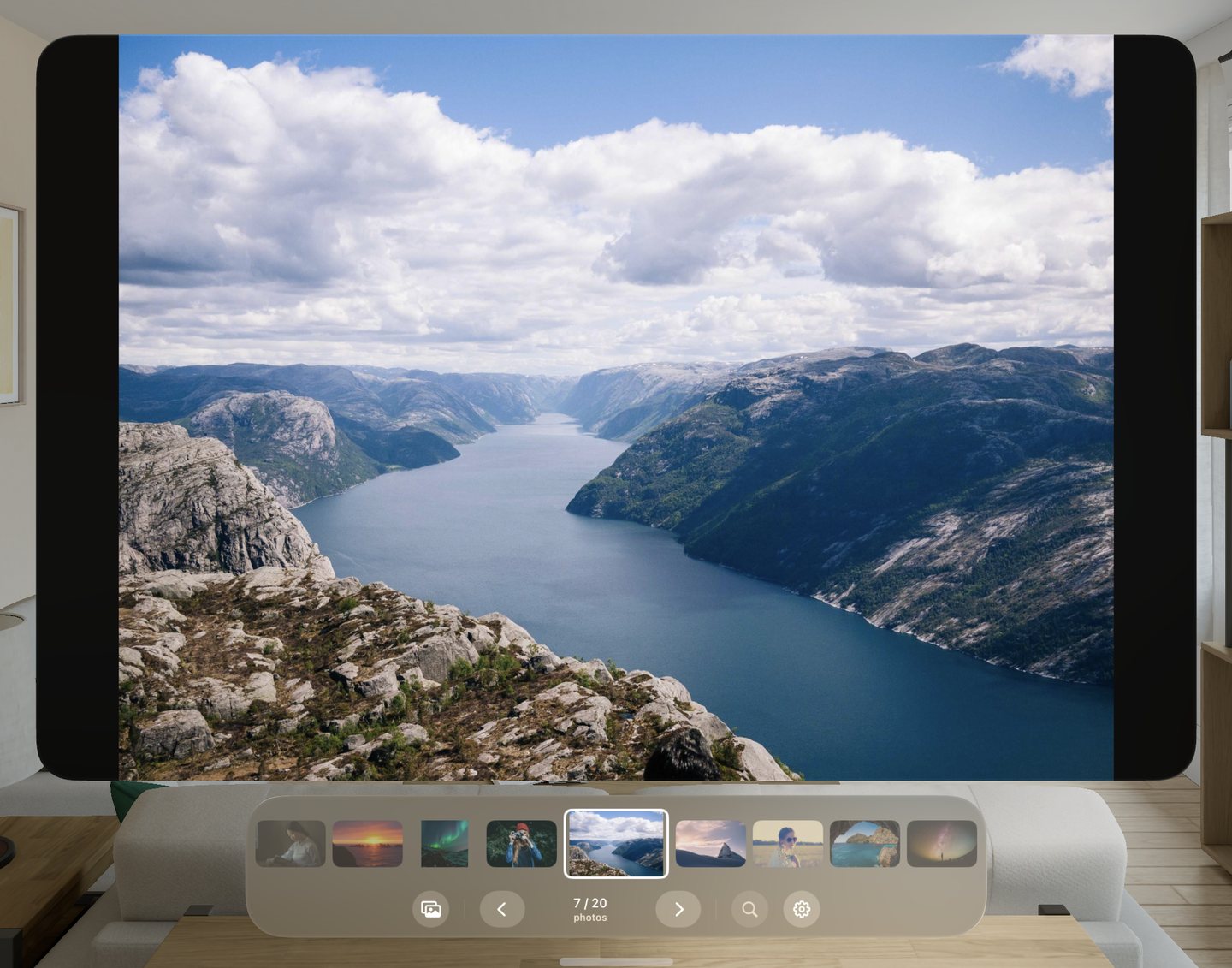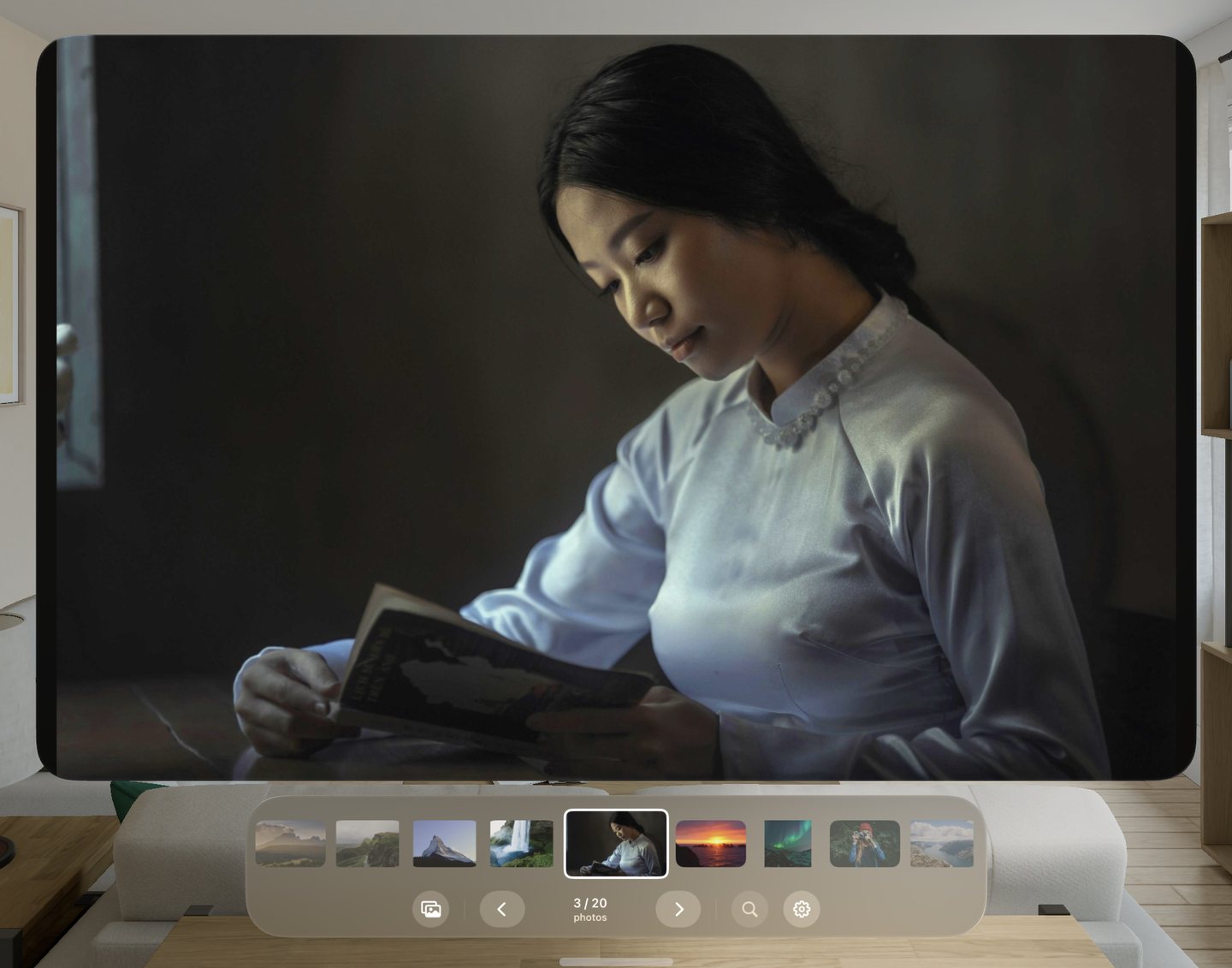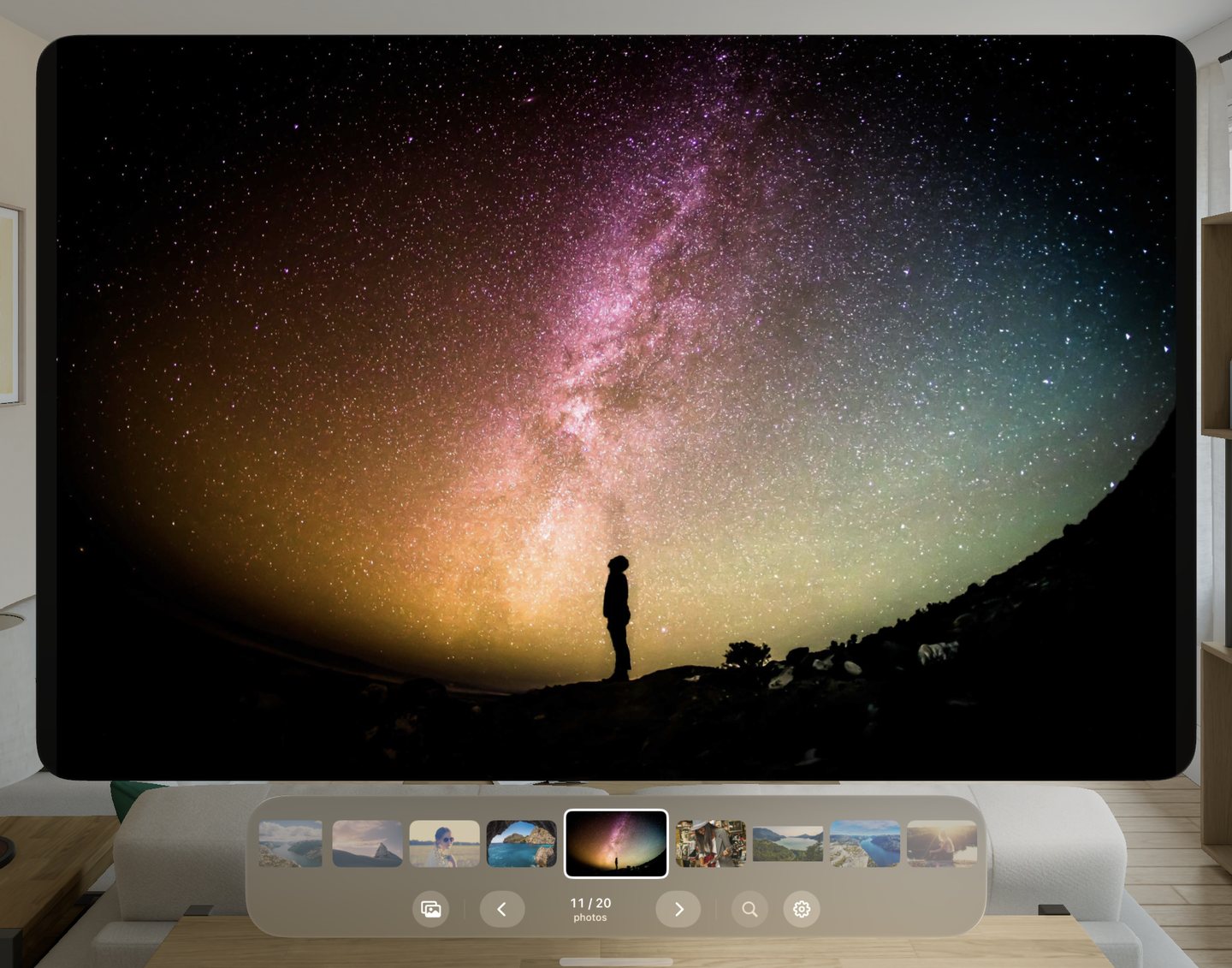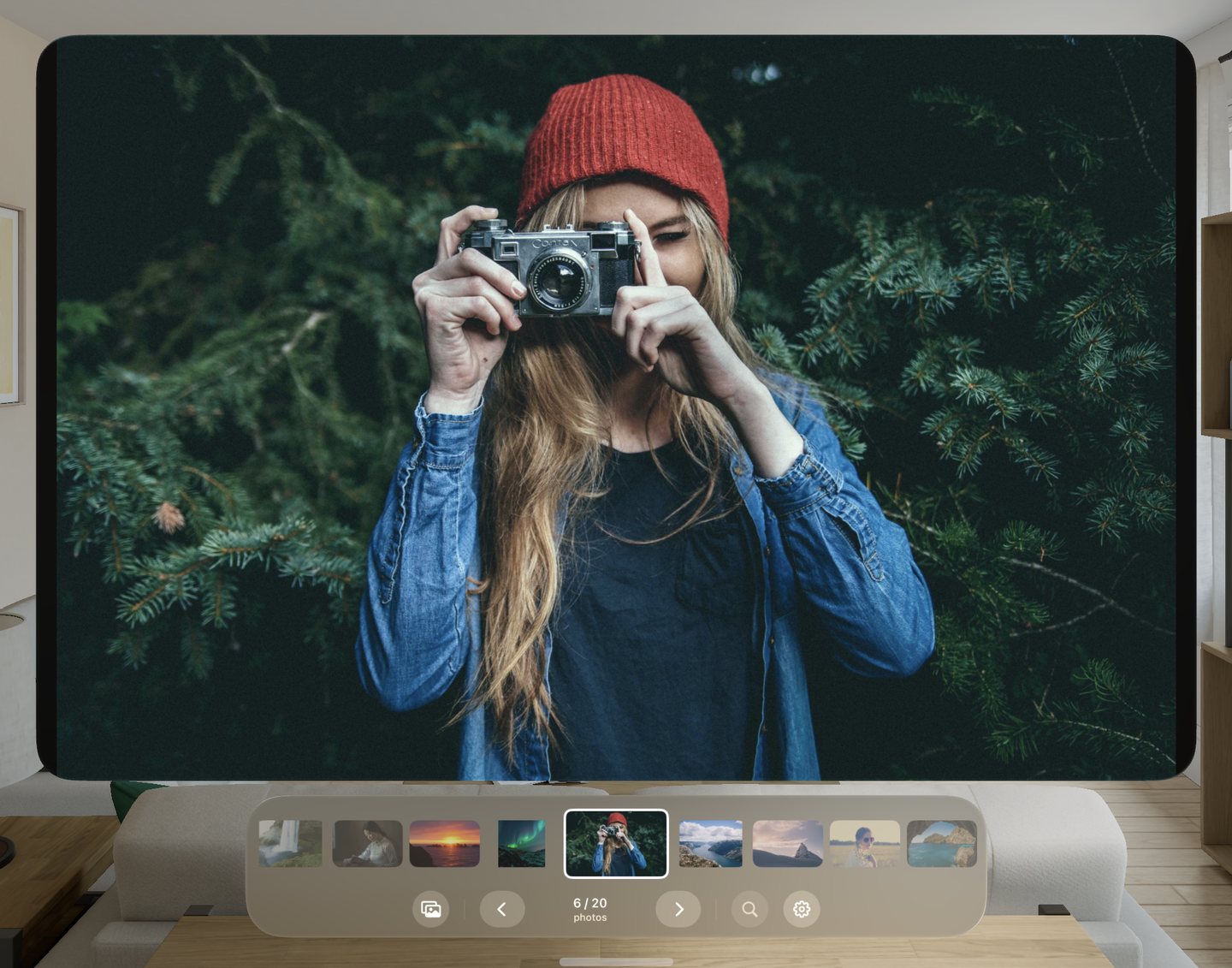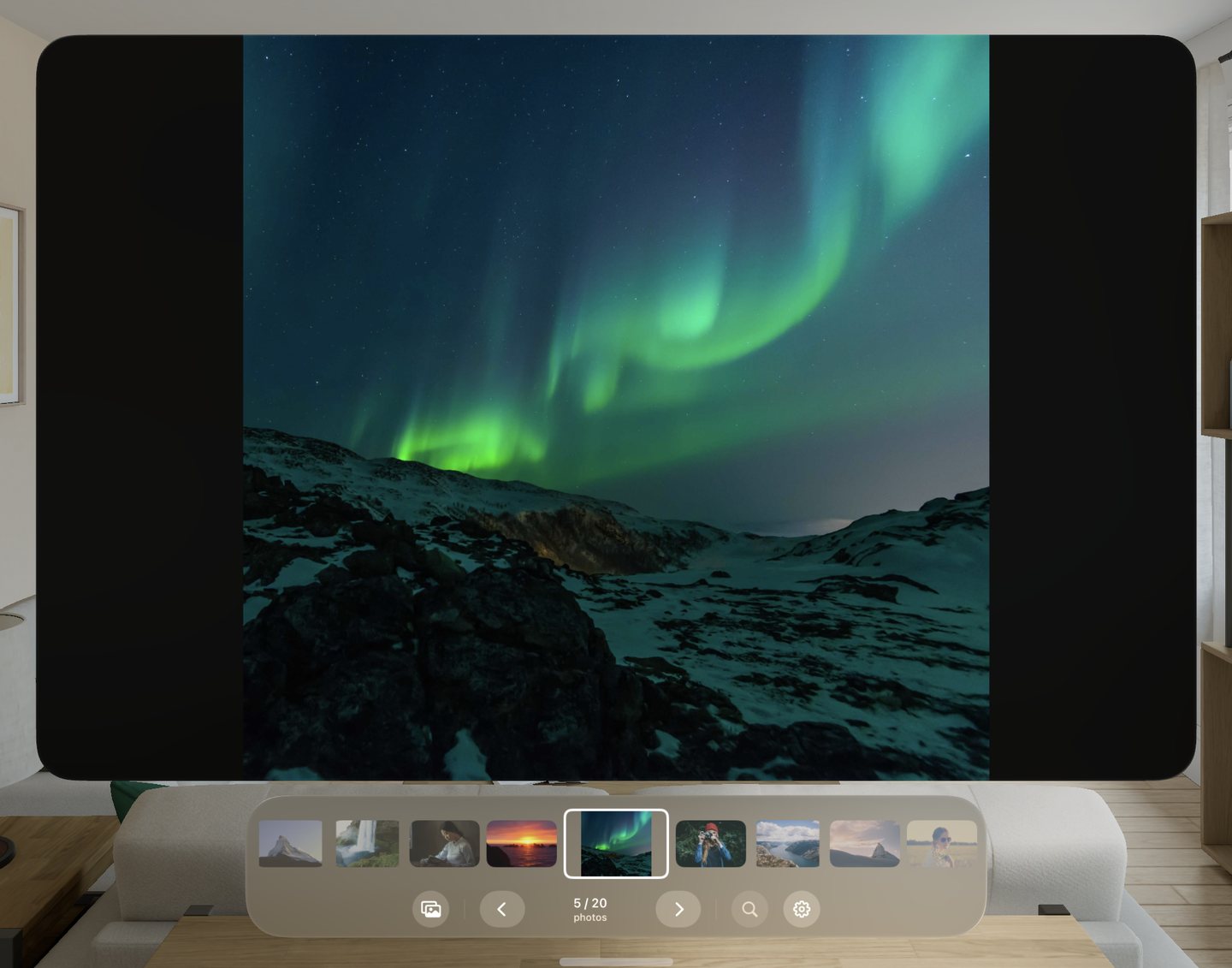
Your NAS photos, on the biggest screen you own.
Want a simple image viewer on Vision Pro for your NAS drive? Select a whole folder from your network share, then swipe through it, big and sharp. No import, no sync, no library to manage.
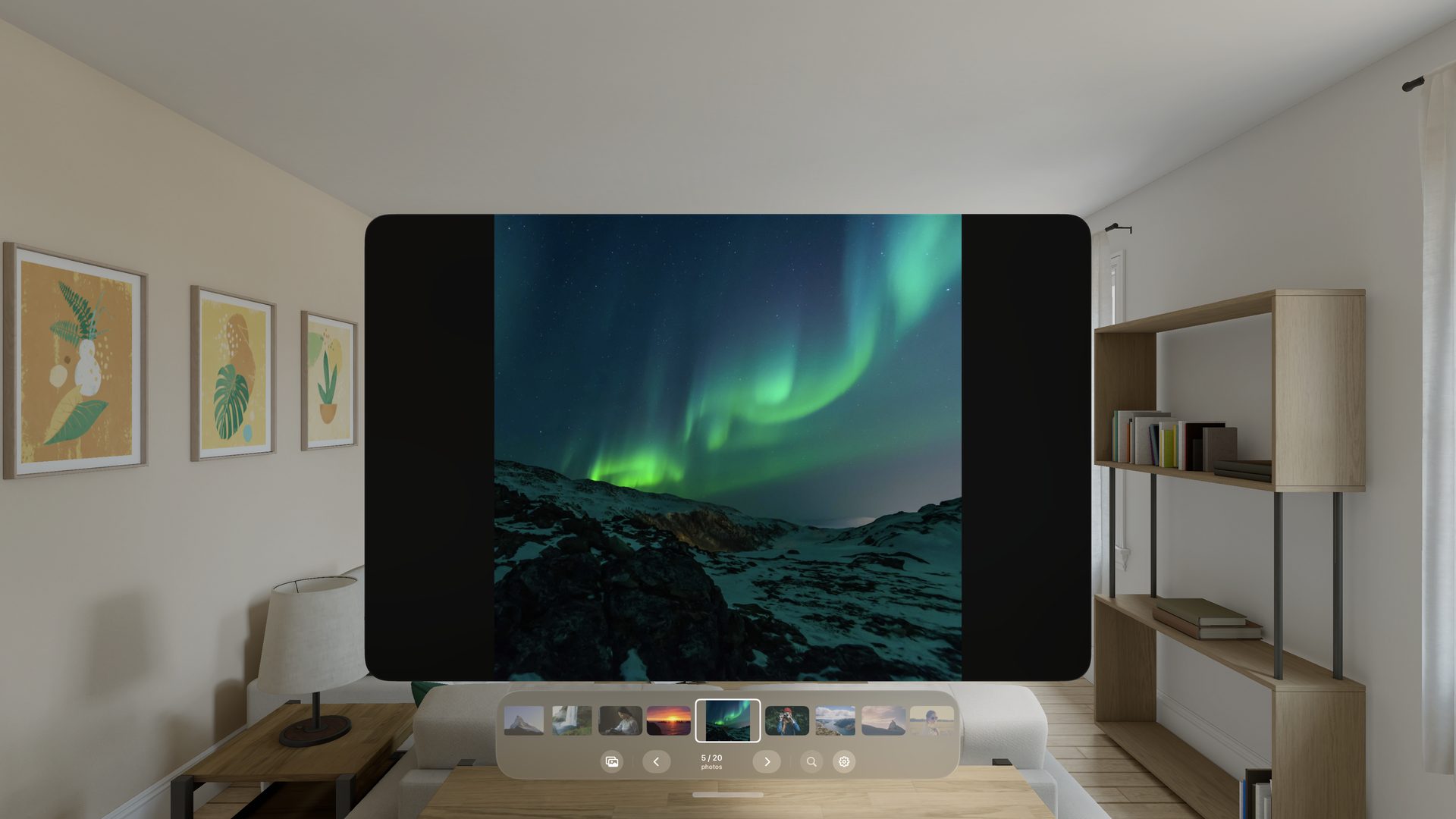
Reads straight from your network share
Connect your NAS once in the Files app. After that, Vision Pro ImageViewer opens photos directly from the share. Nothing is copied to the headset and nothing is uploaded anywhere.
Photos next to the one you're looking at are loaded in the background. Keep swiping in one direction and it reads further ahead, so the next image is usually ready before you get there.
- Files → ⋯ → Connect to ServerEnter your NAS address and sign in. Files remembers it.
- Open Vision Pro ImageViewer, tap Select ImagesBrowse to the folder on your share.
- Select, then Select AllThe whole folder opens, sorted by name.
A whole folder in two taps
Pick photos with the same Files browser you already know, thumbnails included. Tap Select, then Select All, and every image in the folder opens in order. Or tick just the ones you want.
Try it here: tick a few, or tap Select All.
Swipe to change photos
Pinch anywhere on the picture and flick left or right. The whole image is one swipe surface, so it works wherever your eyes happen to rest. A drag of about 60 points counts as a swipe; anything shorter is ignored, so a small hand movement won't skip a photo.
- Look at a thumbnail and pinch to jump straight to it.
- The arrows under the filmstrip step one photo at a time.
- Swiping past the last photo wraps back to the first.
The bar fills as you drag. Let go once it's full and the photo changes, the same threshold the app uses.
Every format Apple can decode
Vision Pro ImageViewer asks the system which formats it can read, rather than keeping its own list.
Big files open fast
Large images are scaled down as they're decoded, to at most 4096 pixels on the long edge, so a 50-megapixel RAW opens without a wait.
Private by design
No account, no tracking, no analytics, no ads. The app reads only the photos you choose, and forgets them when you close the window.
On Vision Pro